Get your Google review QR code, free
Pick your shop. Customers scan it to review you on Google. Works on your phone.
Shop details from Google Maps. We don't save your search.
Not on Google Maps yet?
We couldn't find it on Google. Lots of home-based and mobile businesses aren't on Maps.
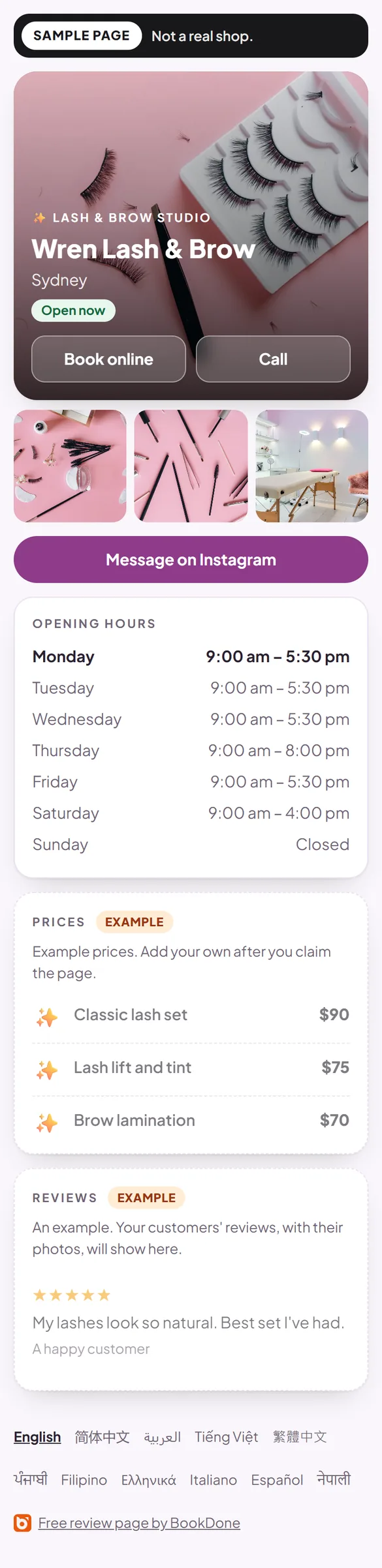
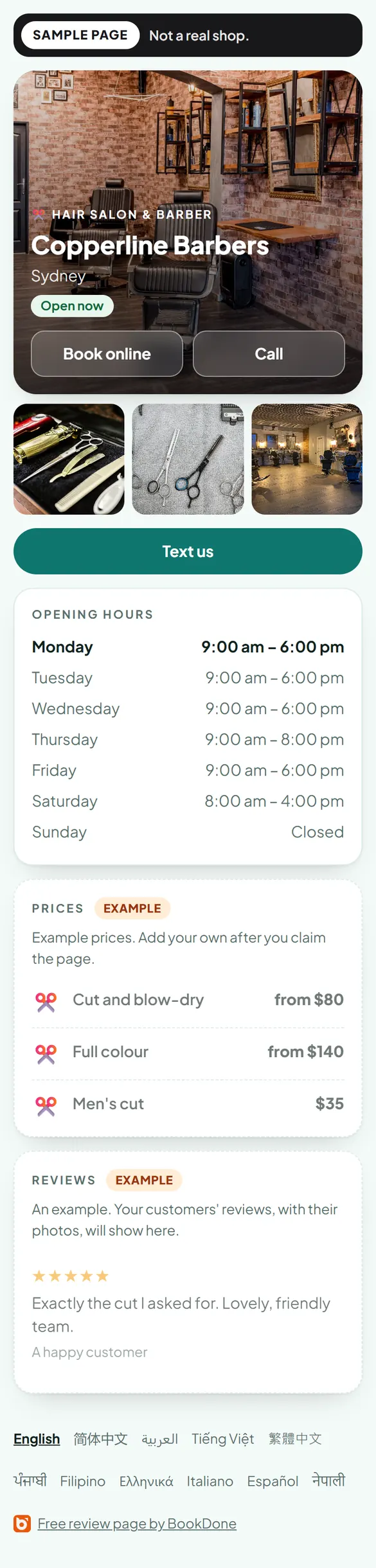
A free review page. Customers can review you there, even without a Google account.
- Prices & hours
- Booking link
- Reviews with photos
Sample pages · tap to take a look
Get my free review page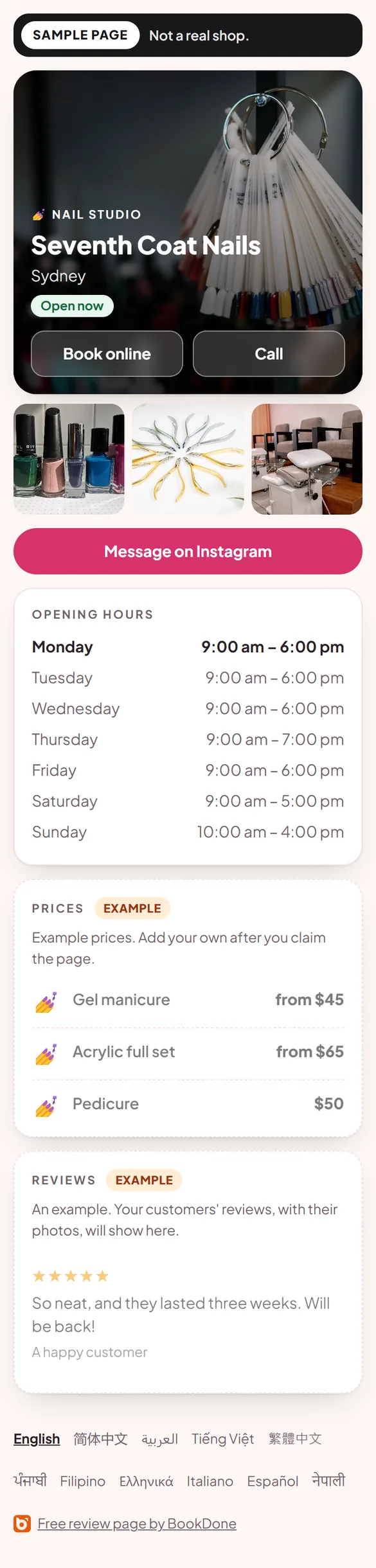
Free. No card required.
Work from home or go to customers? Try the name without a suburb.
Want to be on Maps? Add or claim your Business Profile.
Already have your Google review link?
On a computer, you can also get it from Google: open your Business Profile, choose Read Reviews, then Get more reviews.
Google Maps
Your Google review link
Use it in texts, emails and your Instagram bio.
Your Google review QR code
On an iPhone, you can also press and hold the QR code, then tap Save to Photos.
Download PNGFor phones, Canva, Word and most printing.
Download SVGFor print shops and designers. Stays sharp at any size.
Test it before you share it
Scan this QR with your phone. The Google review box should open (Google may ask you to sign in).
The Google review box should open (Google may ask you to sign in).
Did your Google review box open?
Good. Your QR code is ready to print and share.
Opened your profile instead? Some iPhones do that. Customers tap Reviews, then the stars.
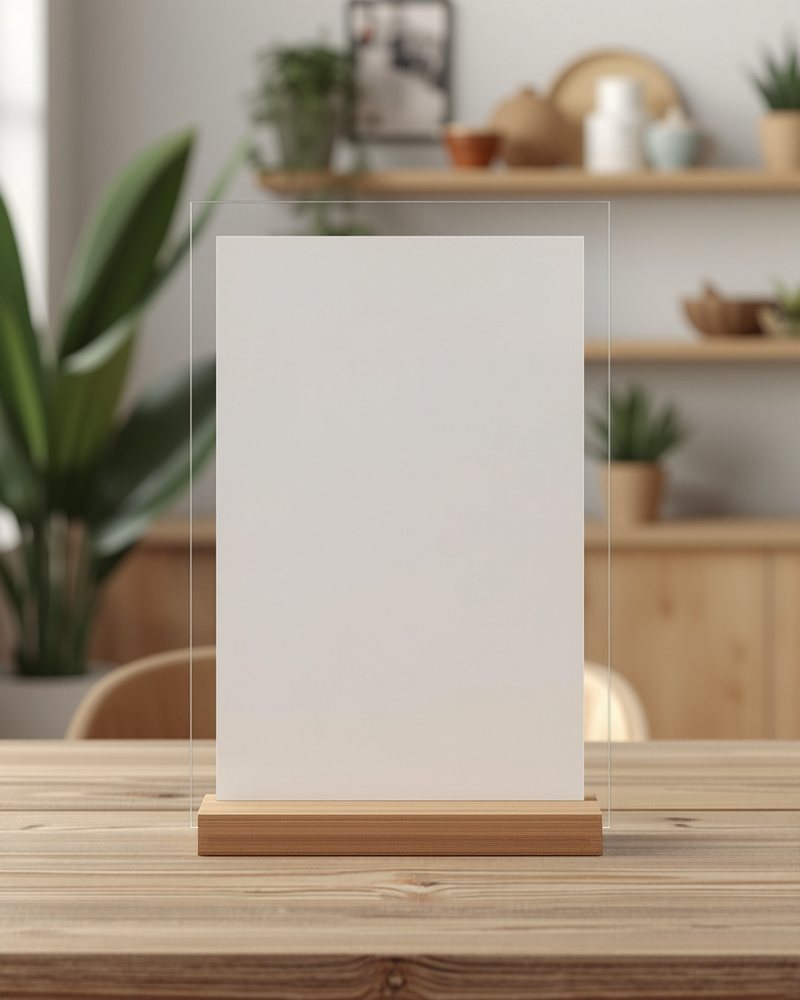
Want it on a counter stand?
Printed acrylic, made to order and posted. $49 including postage in Australia.
Want more than a QR code?
A free review page. Customers can review you there, even without a Google account.
- Prices & hours
- Booking link
- Reviews with photos
Sample pages · tap to take a look
Get my free review pageFree. No card required.
Every reviewer is invited to review you on Google too.
How it works
- 1
Find your shop
Type its name and pick it.
- 2
Get your link and QR code
Copy the link or download the QR.
- 3
Test it, then put it out
Scan it once, then put it where customers pay.
Where to put your QR code
- On the counter, next to the EFTPOS machine.
- On receipts and take-home cards.
- In your Instagram bio, use the link, not the QR.
- Print it at least 4 cm wide.
Aiming for a higher rating? Work out how many 5-star reviews it takes.
Questions
Is it really free?
Yes. No signup, no trial, no card required.
Does the QR code expire?
No. It goes straight to Google. Make a new one only if your shop moves.
Is a QR code on the counter allowed?
Yes. Google says “Print and display the QR code in your store.” Just never offer anything for a review.
Can I make it on my phone?
Yes. Google's own QR code needs a computer. This one works on any phone.
Why does my link open my profile on an iPhone?
Some iPhones do that. Customers tap Reviews, then the stars.
I'm not on Google Maps. What now?
Get a free review page instead. Customers can still review you there.
Do you store my details?
No. We don't save your search, your link or your QR code.
Not affiliated with Google.